Microsoft Power Automate has become a popular choice for organizations looking to automate workflows, connect applications, and accelerate business processes.
However, businesses implementing Power Automate should know which pricing plan is right for them. These plans usually include multiple licensing options, usage limits, premium connectors, AI capabilities, and both attended and unattended RPA options. All of these make it confusing to understand the cost structure.
Choosing the wrong license can lead to unnecessary expenses or limitations as automation needs grow. That’s why it is important to understand what each plan includes, how pricing differs, and which option delivers the best value for your specific requirements.
In today’s post, we will break down these complex Microsoft Power Automate pricing plans in simple terms and help you select the right license plan for your business that supports both your current needs and future growth. Let us begin.
What is Microsoft Power Automate?
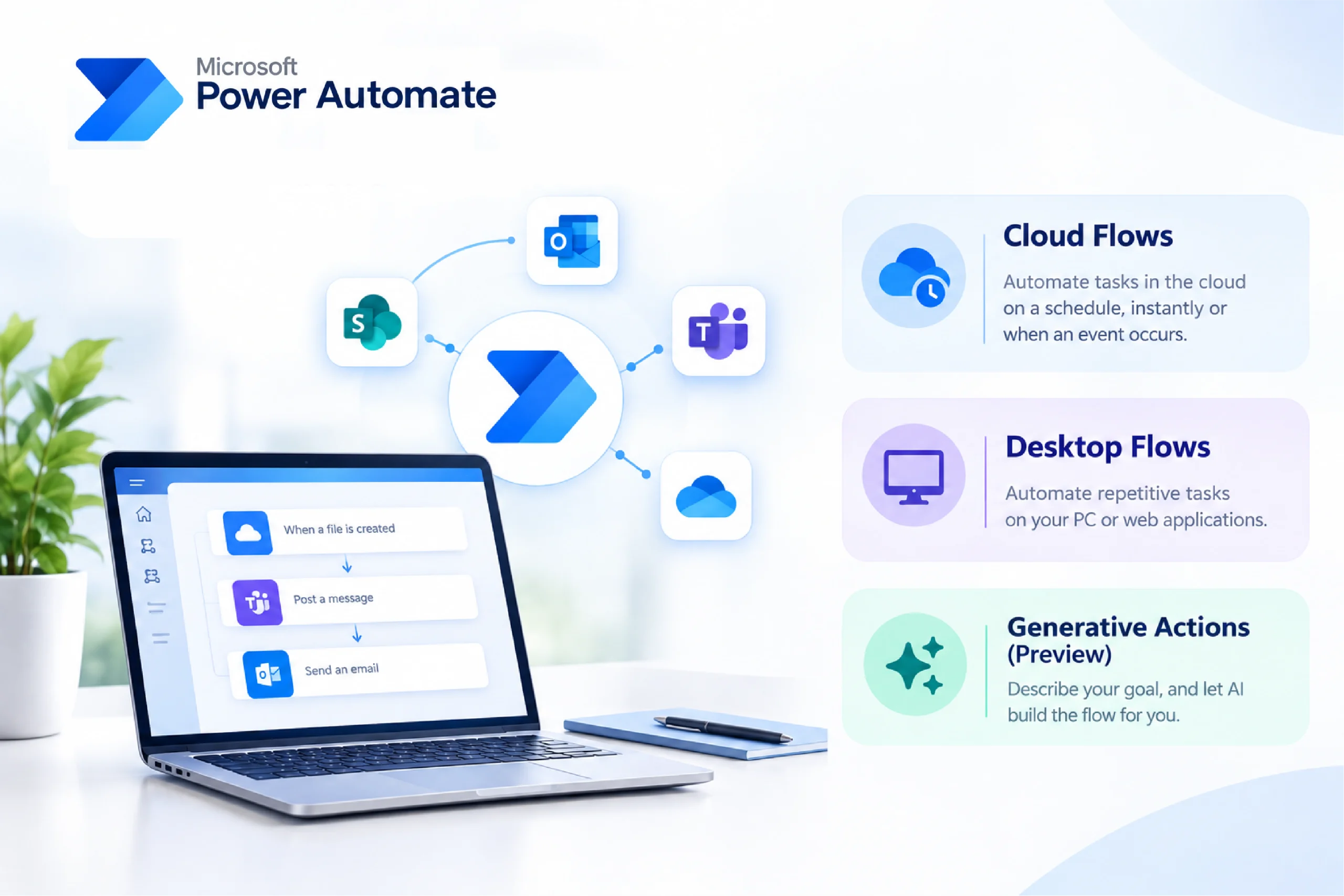
Power Automate is Microsoft’s low-code automation platform for creating automated workflows between applications, services, and business processes. Its user-friendly interface and multiple connectors allow users to create workflows. The best thing is that you don’t need complete coding knowledge for it.
Types of Power Automate flows
Power Automate provides three types of flows to fulfill automation needs.
- Cloud Flows: Cloud flows allow you to run automation automatically, instantly, or on a particular schedule.
- Desktop Flows: Desktop flows allow you to automate repetitive tasks on the computer or via the web.
- Generative Actions (Preview): This adds an AI-driven approach to flow design. With Generative Actions, you do not need to define every step by yourself; you can simply describe the outcome or the intent you want to achieve. AI can determine the appropriate action sequence based on the information and context available to the flow.
Microsoft Power Automate Plans
Microsoft currently offers four types of Power Automate license plans.
| Microsoft Automate Plan | Price | Primary Automation Type | Best Suited For |
| Free Trial | Free for 30 days | NA | Experimenting with Power Automate with UI-based cloud flows and standard connectors. |
| Power Automate Premium | $15/user/month, paid yearly | Cloud Flows + Attended RPA | Individual developers and departments |
| Power Automate Process | $150/bot/month, paid yearly | Unattended RPA & Shared Workflows | Businesses running unattended automation and automated business processes |
| Power Automate Hosted Process | $215/bot/month, paid yearly | Cloud-Hosted Unattended RPA | Unattended automation where you want Microsoft to provide the hosted infrastructure |
Note: Prices shown are for the India region and may vary based on your agreement, taxes, billing terms, or Microsoft pricing updates.
Now, let us explore Microsoft Power Automate plans one by one:
Power Automate Premium
Power Automate Premium is specially designed for individual users and teams who want to build, run, and manage advanced automations. In India, the list price for Microsoft Power Automate Premium Plan is $15 per user per month when paid yearly, plus applicable taxes.
This plan is a good choice for employees whose daily responsibilities include actively building, managing, and running automation. It helps connect workflows to premium services, create custom connectors, or automate legacy applications with RPA.
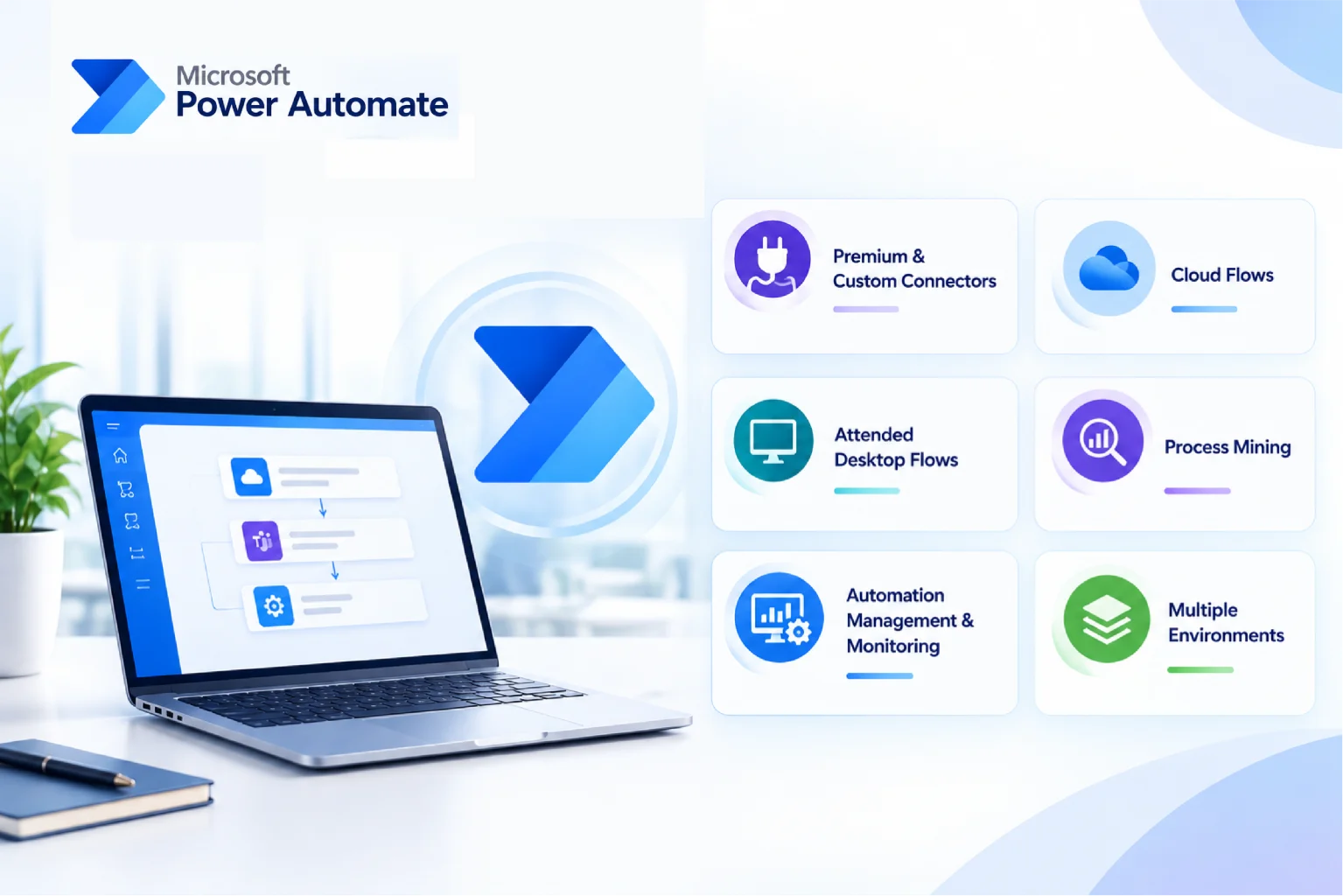
A Power Automate Premium license provides access to:
- Premium and custom connectors: Connect workflows to premium Microsoft services, third-party applications, and custom APIs that are not available through standard connectors.
- Cloud flows: Create automated, scheduled, and instant cloud flows to streamline repetitive business processes and tasks.
- Attended desktop flows: Build and run desktop-based RPA automations with a user present to initiate or support the process.
- Process mining: Analyze and visualize business processes to identify bottlenecks, inefficiencies, and opportunities for improvement.
- Automation management and monitoring: Monitor activity, analyze performance, manage work queues, and automate resources.
- Multiple environments: Work across different Power Platform environments for development, testing, deployment, and governance.
Moreover, Power Automate Premium also provides access to advanced AI tools. It helps users perform tasks like:
- Form processing
- Object detection
- Making predication
- Classification
- Text recognition
Basically, the plan allows users to run an attended RPA bot on the system. But one important point to keep in mind: Power Automate Premium supports only attended RPA, not unattended or hosted RPA.
To run an RPA bot in unattended mode, you need an additional Power Automate Hosted Process license.
Power Automate Process
While the Power Automate Premium plan is assigned to individual users, the Power Automate Process plan is assigned to the automation process itself. Here, an autonomous or self-running bot performs tasks independently and does not require a user to be present at all times.
The Power Automate Process also allows users to use the AI Builder and helps businesses with:
- Invoice processing and accounts-payable automation.
- Employee onboarding workflows.
- Order-entry processing.
- Claims validation.
- Data extraction and migration between legacy systems.
- Scheduled reports and back-office reconciliation.
But remember, if an automation needs to run simultaneously on multiple machines, then you need enough Process capacity to support those concurrent executions. Also, the standard process plan does not include the computer infrastructure or virtual machines required to run desktop flows. Businesses should use their own operating system for their infrastructure, and these costs are separate.
Power Automate Hosted Process
Running an unattended RPA usually requires infrastructure on which the desktop automation can run. This adds additional work on administration.
To resolve this challenge, Microsoft has launched the Power Automate Hosted Process plan. The plan is specifically designed for businesses that want to run unattended automation tasks but do not want to provision, monitor, or maintain their infrastructure.
It includes the capabilities of a Process license, plus Microsoft-hosted machine capacity to run automation tasks. Microsoft also provides a managed environment in which bots can run desktop flows.
This can minimize the overall infrastructure stress on companies and allows the bots to operate continuously or at scheduled times. Additionally, they don’t even have to provision and maintain their machines.
With Microsoft Power Automate Hosted Process, you are not only paying for the bot; you also get Microsoft-managed infrastructure as part of the hosted process offering. This plan is mainly suitable for organizations that want to use RPA with legacy desktop applications.
How to Choose the Right Power Automate Plan
Choosing a Power Automate license plan is not simple. But don’t worry, we are here to help you. Instead of only looking at the license price, understand your automation architecture and execution model. Here are the following factors to consider:
| Requirement | Plan to Consider |
| Individual user creating and running advanced workflows | Power Automate Premium |
| Premium or custom connectors | Premium or Process, depending on the licensing model, budget or project needs. |
| Unattended desktop automation | Power Automate Process |
| Unattended automation with Microsoft-managed infrastructure | Power Automate Hosted Process |
| Shared business process used by multiple employees | Power Automate Process |
Conclusion
Power Automate is not just a regular workflow tool; it has now become the foundation for a scalable low-code automation solution. By using Power Automate, businesses can enjoy better ROI. But choosing the automation platform is only the beginning.
The bigger challenge is to identify the process and select the licensing model that supports your long-term business goals.
Thus, talking to a certified Microsoft partner can clear up all your doubts and help you make decisions. At Soluzione, we help businesses to understand the Power Automate plans clearly. Our team assesses your infrastructure and business workflows and suggests appropriate plans.
With Soluzione, you gain a trusted partner in your automation journey, helping you unlock efficiency, reduce costs, and accelerate digital transformation.
Frequently Asked Questions
Do I need coding skills to use Power Automate?
No. Power Automate is a low-code automation platform, so users can create many workflows using visual designers, triggers, and actions without programming knowledge.
Which Power Automate plan is best for small businesses?
For small businesses, Power Automate Premium can be a good starting point, especially when your employees create and manage their own workflows. However, the right choice ultimately depends on the number of users, automation requirements, and business needs.
References
https://www.microsoft.com/en/power-platform/products/power-automate?market=af
https://www.dynamicssquare.com/blog/power-automate-pricing-plans/
https://www.microsoft.com/en-in/power-platform/products/power-automate/pricing
https://dynatechconsultancy.com/blog/microsoft-power-automate-pricing-plans-a-comprehensive-guide
https://learn.microsoft.com/en-us/power-automate/flow-types
https://www.microsoft.com/en-in/power-platform/products/power-automate/pricing
https://learn.microsoft.com/en-us/power-platform/admin/power-automate-licensing/types?tabs=power-automate-free%2Cpower-automate-process%2Cconnector-types
https://www.microsoft.com/en-in/power-platform/products/power-automate/pricing

