Enterprise data has never been the problem. What has always been a challenge is clarity, the ability to turn fragmented, operational data into insight without delay, duplication, or dependency on complex pipelines. Microsoft’s recent advancements around Microsoft Fabric integration with Dataverse aim to solve precisely that problem.
For organizations already invested in the Microsoft ecosystem, the convergence of Microsoft Dataverse and Microsoft Fabric is not just a technical update. It represents a structural shift in how business data is stored, accessed, analyzed, and operationalized across analytics and applications.
This blog breaks down what is new in Dataverse Fabric Integration, how it works in real-world environments, and why it fundamentally changes the way decision-makers, analysts, and architects interact with enterprise data.
- Why Dataverse + Microsoft Fabric Integration Was Needed
- What’s New in Dataverse + Microsoft Fabric Integration?
- How Dataverse Fabric Integration Changes Data Architecture
- Common Misconceptions About Dataverse and Fabric
- Preparing Your Organization for Dataverse Fabric Integration
- Final Words
- Frequently asked questions:
Why Dataverse + Microsoft Fabric Integration Was Needed
For years, Microsoft Dataverse (also commonly referred to as MS Dataverse) has been the backbone for business applications built on Power Platform (Power Apps, Power Automate, and Dynamics 365). It excels at storing structured, transactional data with strong security, role-based access, and business logic.
On the other side, Microsoft Fabric emerged as an all-in-one analytics platform, unifying data engineering, data science, real-time analytics, and business intelligence under a single SaaS experience. The challenge, rather than being a capability, became separation.
Operational data lived in Dataverse. Analytical workloads lived elsewhere. Moving data between the two required exports, connectors, Azure Synapse links, or third-party tooling. Each step introduced latency, governance risk, and maintenance overhead. Microsoft Fabric data integration with Dataverse directly addresses this gap.
What’s New in Dataverse + Microsoft Fabric Integration?
1. Native Data Availability Without Duplication
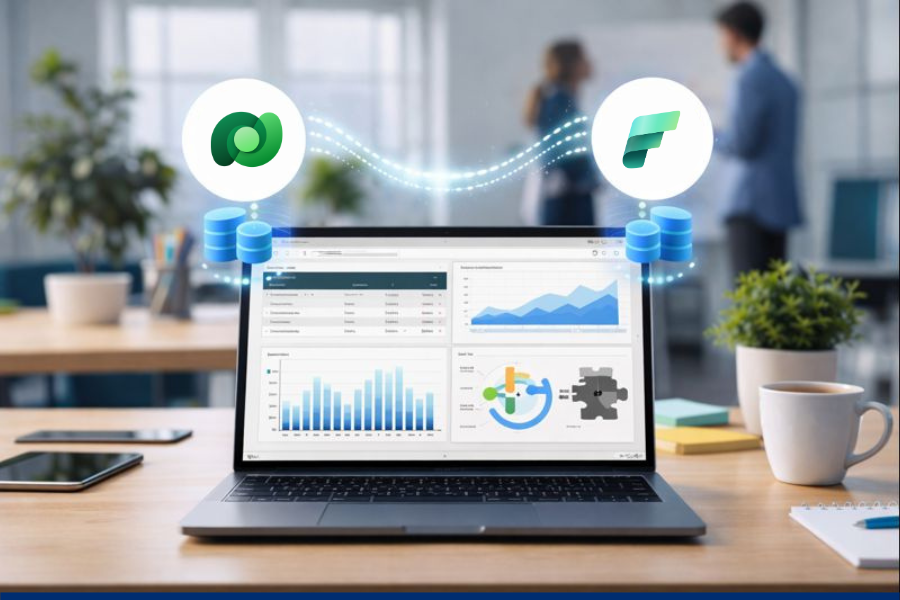
One of the most impactful Dataverse Updates is the ability to make Dataverse tables available directly inside Microsoft Fabric without traditional ETL processes. Instead of copying data into a separate warehouse:
- Dataverse data is exposed in Fabric’s OneLake
- Tables remain governed by Dataverse security
- Changes reflect automatically, near real-time
This eliminates redundant storage while preserving performance for analytics workloads. For enterprises managing high-volume transactional data, this alone reduces infrastructure cost and operational complexity significantly.
2. OneLake as a Single Source of Truth

Microsoft Fabric’s OneLake acts as a unified data lake across the organization. With Microsoft Fabric Dataverse connectivity:
- Dataverse tables appear as first-class data assets
- Data engineers can work with them using Spark, SQL, or notebooks
- Analysts can consume the same data through semantic models
The key advantage is consistency. There is no longer a debate about which dataset is the latest or most accurate. Everyone works from the same governed foundation.
3. Deep Integration With Microsoft Power BI
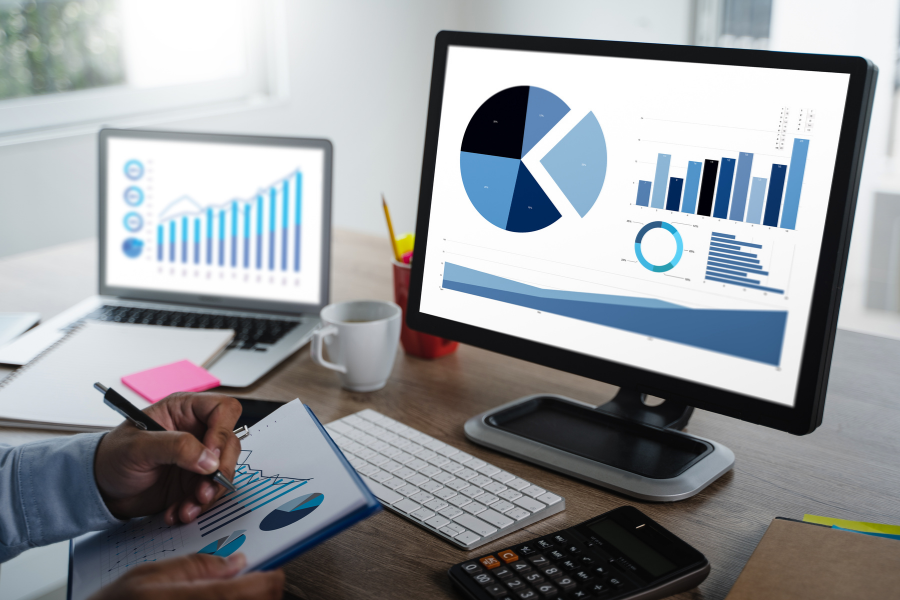
Microsoft Power BI has always been tightly coupled with Dataverse, but the Fabric layer elevates this relationship. With Microsoft Fabric integration, Power BI gains:
- Faster query performance on large Dataverse datasets
- Direct access to enriched data models built in Fabric
- Reduced refresh dependencies and failures
For business users, this means dashboards that feel live, not stale snapshots refreshed overnight. For leadership teams, it means decisions based on current operational reality, not yesterday’s data.
How Dataverse Fabric Integration Changes Data Architecture
1. From Application-Centric to Insight-Centric Design

Traditionally, Dataverse was optimized for applications, not analytics. Reporting at scale often required workarounds. With Dataverse Fabric Integration, that limitation disappears.
Architects can now design systems where:
- Dataverse remains the system of record
- Fabric becomes the analytical engine
- Power BI becomes the insight delivery layer
All without breaking security models or duplicating logic.
2. Simplified Governance and Compliance

Data governance has historically suffered when data moves across platforms. The new Microsoft Fabric data integration approach keeps governance centralized:
- Dataverse permissions continue to apply
- Fabric respects data sensitivity labels
- Audit and lineage are visible across workloads
This is especially critical for regulated industries such as finance, healthcare, and insurance, where compliance is non-negotiable.
3. AI and Advanced Analytics
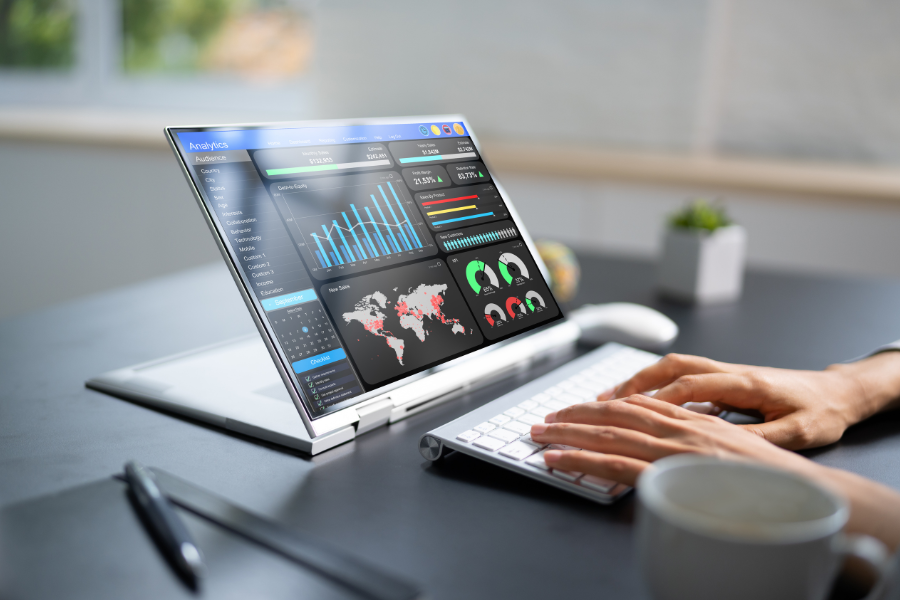
Fabric’s built-in data science capabilities allow Dataverse data to fuel:
- Predictive models
- Demand forecasting
- Anomaly detection
Because the data stays within the Microsoft ecosystem, security and performance remain intact while advanced analytics becomes accessible to more teams.
Common Misconceptions About Dataverse and Fabric
- “This is only for large enterprises.”
In reality, mid-sized organizations benefit even more because they often lack the resources to manage complex data pipelines.
- “It replaces existing data warehouses.”
Fabric complements existing architectures. It does not force a rip-and-replace approach.
- “Security becomes weaker with analytics access.”
On the contrary, Dataverse security remains enforced, even within Fabric workloads.
Preparing Your Organization for Dataverse Fabric Integration
To fully leverage Microsoft Fabric Dataverse capabilities, organizations should:
- Review the Dataverse table design and relationships
- Align security roles with analytics needs
- Define clear ownership between the application and data teams
As Dataverse+Microsoft Fabric integration is not only about technology but also about operating model alignment.
Final Words
By unifying operational data, analytics, and business intelligence under a single ecosystem, Microsoft Fabric integration redefines how organizations extract value from data. It reduces friction, accelerates insight, and empowers teams across technical and business roles.
For organizations ready to move beyond disconnected systems and delayed reporting, Dataverse Fabric Integration is a game-changing resource, and with Soluzione as your implementation partner, it becomes a strategic advantage that scales with your ambitions. At Soluzione, we design scalable Dataverse and Fabric architectures that help businesses with easy yet reliable data flow and scalability with ensured compliance and long-term sustainability. To know more, connect with us now!
Read More: https://www.solzit.com/blog/
Frequently asked questions:
What’s new in Dataverse and Microsoft Fabric integration?
The most significant update is native integration, which allows Dataverse tables to be accessed directly within Microsoft Fabric. Data no longer needs to be copied or moved into separate warehouses. Updates in Dataverse are reflected automatically in Fabric, preserving security, reducing latency, and simplifying architecture.
This shift removes traditional ETL (extract, transform, load) dependency and makes Dataverse data analytics-ready by default.
Why is Dataverse + Fabric integration important for modern analytics?
Modern analytics requires speed, consistency, and trust in data. The Dataverse–Fabric integration eliminates data silos by connecting operational and analytical systems in real time. Businesses can analyze live application data without delays caused by batch refreshes or manual syncs.
This is especially important for organizations that rely on fast decision-making, real-time reporting, and AI-driven insights.
How does this integration improve data accessibility and reporting?
The integration allows business users, analysts, and data teams to access the same data through different tools without duplication. Analysts can work with Dataverse data using SQL, notebooks, or Spark in Fabric, while business users can consume insights through Microsoft Power BI.
Because the data remains governed by Dataverse, accessibility increases without compromising security or compliance.
Can Dataverse data be analyzed in real time using Microsoft Fabric?
Yes, Dataverse data can be analyzed in near real time through Microsoft Fabric. Changes made in Dataverse, such as new transactions, updates, or records, are reflected quickly in Fabric, enabling timely dashboards, operational analytics, and real-time monitoring scenarios.
This capability is particularly valuable for sales tracking, customer support analytics, and financial reporting.
Is Dataverse data automatically synced with Microsoft Fabric?
Once the integration is enabled, Dataverse data is automatically synchronized with Microsoft Fabric. There is no need for scheduled data transfers or manual refresh processes. The synchronization respects Dataverse security roles and permissions, ensuring that users only see data they are authorized to access.
What types of business data can be shared from Dataverse to Fabric?
Any structured business data stored in Dataverse can be shared with Fabric. This includes customer profiles, sales transactions, invoices, service tickets, product catalogs, workflow data, and custom business entities.
Because the integration works at the table level, organizations can selectively expose the data required for analytics while keeping sensitive or irrelevant data restricted.