For a long time, enterprise automation has promised speed, accuracy, and scope. In reality, though, most automation projects slow down early and only include scripted workflows, rule-based triggers, and small efficiency gains. What businesses really want is automation at the decision level: systems that know what’s going on, can make decisions on their own within limits, and constantly improve.
This is precisely where Copilot Agents represent a fundamental shift.
Unlike traditional copilots that assist users moment by moment, Copilot AI agents operate with autonomy. They observe business data, interpret intent, initiate actions, and adapt outcomes across platforms. Within Copilot in Dynamics 365 and Copilot in Power Platform, agents are redefining what “real automation” actually means for modern enterprises.
- Shift from Assisted Workflows to Autonomous Systems
- What Makes Copilot Agents Different?
- Copilot in Dynamics 365: Automation That Understands the Business
- Copilot in Power Platform: Intelligence Across Low-Code Automation
- Copilot with Power BI: Turning Insights into Action
- The Role of Customization in an Agent-Driven World
- Security, Governance, and Trust
- Final Words:
- Frequently Asked Questions
Shift from Assisted Workflows to Autonomous Systems
Predefined logic was a major component of earlier automation generations. Even highly developed Power Automate workflows needed human oversight, exception handling, and constant adjustments. Despite being valuable, these systems stayed reactive.
However, Copilot Agents introduce a proactive model!
Instead of waiting for triggers, agents monitor signals across CRM, ERP, analytics, and low-code applications. They understand business context using natural language models and structured enterprise data, allowing them to take initiative. This shift transforms automation from a task executor into a digital operator.
This autonomy allows systems to reflect better how teams actually operate in environments built on Microsoft Dynamics 365 and Microsoft Power Platform services, identifying trends, setting priorities, and addressing problems before they escalate.
What Makes Copilot Agents Different?
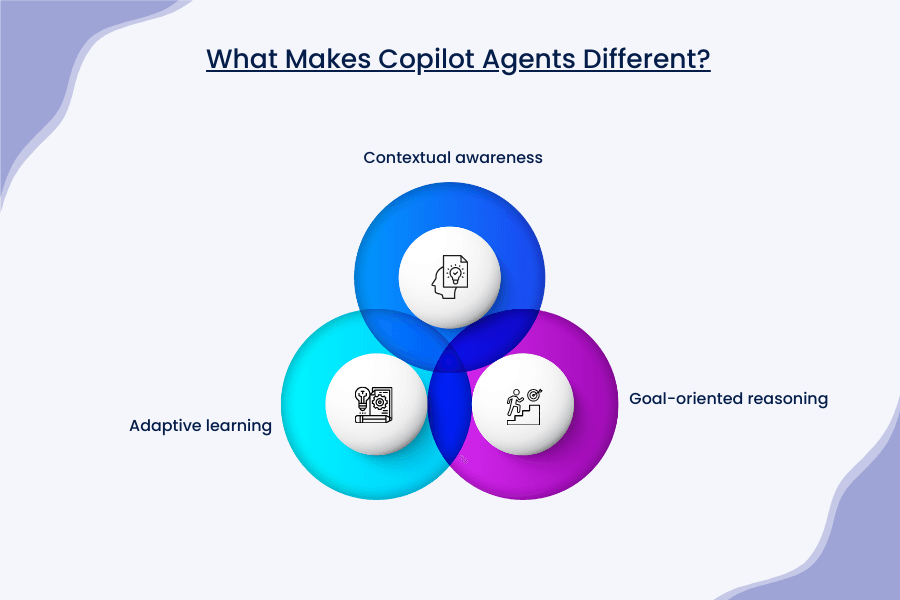
At its core, Copilot AI agents combine three capabilities that traditional automation lacks:
1. Contextual awareness:
Agents understand relationships between data entities, historical patterns, and business intent.
2. Goal-oriented reasoning:
Rather than executing a single task, agents work toward defined outcomes.
3. Adaptive learning:
Over time, agents refine actions based on feedback and changing conditions.
This combination is what elevates Copilot Agents beyond scripted bots. They do not simply respond but react with reasons.
Copilot in Dynamics 365: Automation That Understands the Business
Within Copilot in Dynamics 365, agents operate directly inside core business functions, sales, customer service, finance, supply chain, and operations. Unlike surface-level assistance, operational intelligence is embedded in daily workflows.
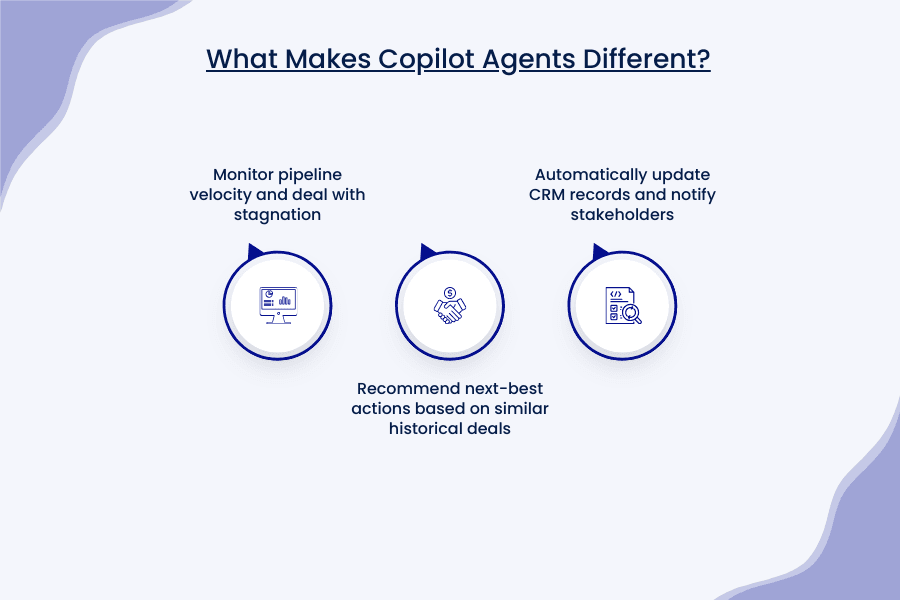
For example, a sales-focused agent can:
- Monitor pipeline velocity and deal with stagnation
- Recommend next-best actions based on similar historical deals
- Automatically update CRM records and notify stakeholders
What once required extensive Dynamics 365 customization now happens through agent-driven logic that adapts as data evolves. The system becomes less dependent on rigid configurations and more responsive to real-world business behavior.
Copilot in Power Platform: Intelligence Across Low-Code Automation
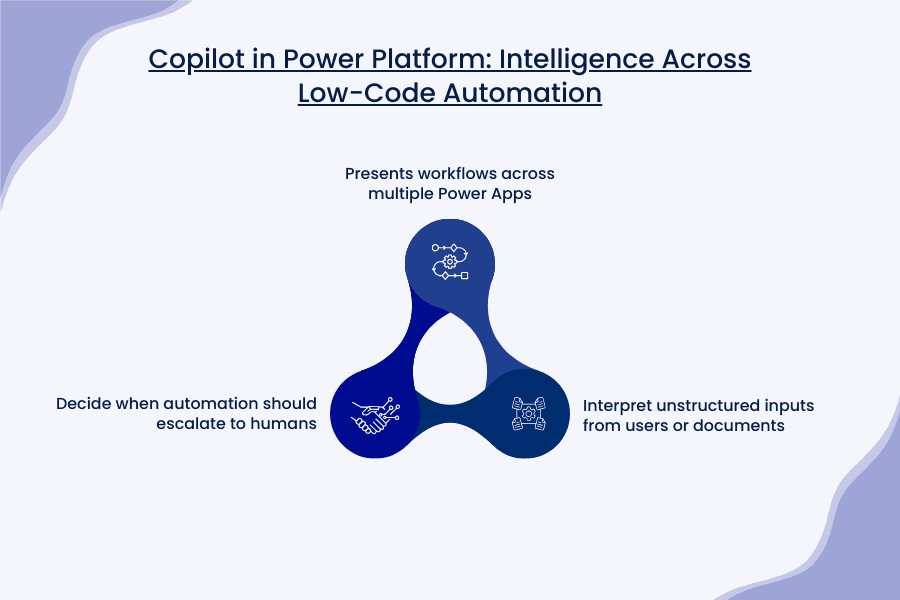
The true strength of Copilot in Power Platform lies in its reach. Power Apps, Power Automate, and Power Virtual Agents already enable rapid solution building. With agents layered on top, these tools gain intelligence, not just speed.
A single agent can:
- Presents workflows across multiple Power Apps
- Interpret unstructured inputs from users or documents
- Decide when automation should escalate to humans
This dramatically changes how organizations think about low-code solutions. Teams can use fewer, more intelligent agents that handle complexity in the background rather than creating dozens of narrowly scoped flows.
Copilot with Power BI: Turning Insights into Action
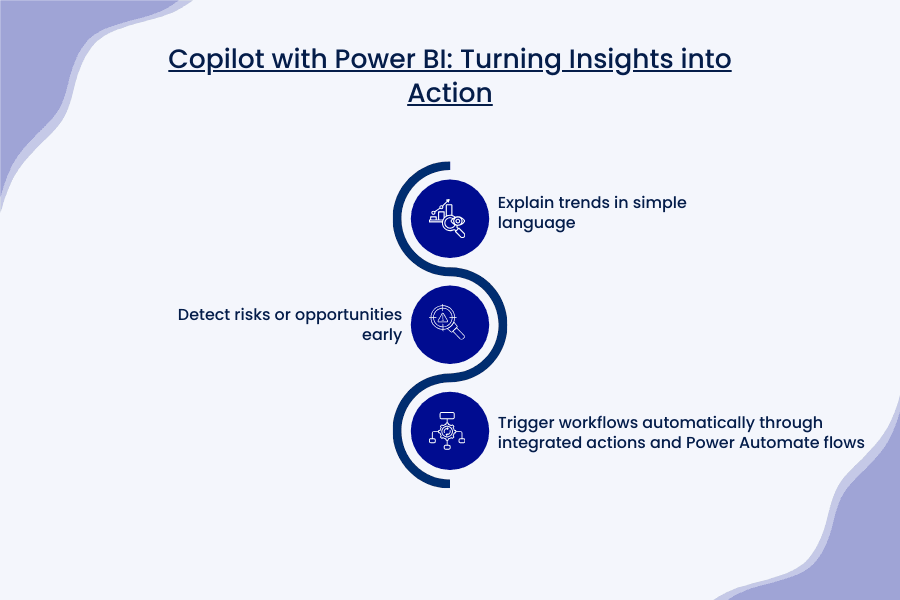
Data is valuable only when it leads to action. Traditionally, analytics stopped at dashboards. Someone had to interpret the data and decide what to do next. Copilot with Power BI changes this situation by bridging insights directly to execution, enabling agents built in Microsoft Copilot Studio to:
- Explain trends in simple language
- Detect risks or opportunities early
- Trigger workflows automatically through integrated actions and Power Automate flows
For example, if sales drop in a region, an agent can alert managers, update forecasts, and initiate corrective actions without waiting for manual analysis—all by leveraging Power BI data as a knowledge source or by integrating with Fabric data agents. This closes the gap between insight and execution, transforming static reports into proactive, agent-driven operations.
The Role of Customization in an Agent-Driven World
Despite their intelligence, Copilot Agents are not generic solutions. Their effectiveness depends on thoughtful design, data modeling, and alignment with business processes.
This is where Microsoft Copilot Studio plays a pivotal role, alongside advanced Dynamics 365 customization. As the dedicated low-code platform for building, testing, and deploying autonomous Copilot Agents, Copilot Studio enables organizations to define precise behaviors, integrate advanced tools and actions, and tailor generative capabilities—all while aligning seamlessly with enterprise rules and workflows. Agents must be trained on accurate data structures, business hierarchies, and domain-specific logic, often leveraging Microsoft Dataverse as the secure, structured foundation for storing entities, relationships, and historical patterns that drive contextual awareness and reliable decision-making.
Without this foundation, autonomy becomes risk rather than advantage. Skilled architects recognize that effective agent deployment requires a balance between enterprise-grade governance and low-code flexibility, which demands both platform knowledge and strategic oversight.
Security, Governance, and Trust
Autonomous systems demand trust. Microsoft’s agent framework enforces role-based access, auditability, and explainability. Every action taken by a Copilot AI agent is traceable, reviewable, and governed by enterprise policies.
For regulated industries, this is not optional; it is foundational. Automation must be transparent, not opaque. Agents meet this requirement by making reasoning visible while still operating at machine speed.
Final Words:
The promise of Copilot Agents is not incremental efficiency; it is operational transformation. Enterprises that embrace agent-led automation move faster, respond smarter, and scale with confidence.
This is where Soluzione stands apart.
As specialists in Microsoft Dynamics 365 services and Microsoft Power Platform services, Soluzione designs automation strategies that go beyond surface-level copilots. Our approach combines deep Dynamics 365 customization, intelligent use of Copilot in Dynamics 365, and advanced presentation across Copilot in Power Platform and with Power BI.
Rather than deploying agents in isolation, Soluzione embeds them into the core of business operations, ensuring they deliver measurable impact, not just technical novelty. In an era where automation must think, learn, and act, Soluzione enables organizations to move from assisted work to autonomous excellence—confidently, securely, and at scale.
Are you ready for a smarter change? Then connect with the experts at Soluzione now!
Read More: https://www.solzit.com/blog/
Frequently Asked Questions
How do Copilot agents improve real automation compared to traditional workflows?
Traditional workflows follow fixed rules and break when conditions change. Copilot agents improve real automation by understanding context, adapting to new scenarios, and deciding the best action on their own. Instead of just executing tasks, they support decision-making, handle exceptions, and reduce the need for constant manual monitoring.
Can Copilot agents work across multiple apps and systems within D365?
Yes. Copilot agents are designed to work across multiple apps and modules within Dynamics 365. They can connect data from sales, finance, customer service, operations, and analytics, allowing them to coordinate actions across systems rather than working in isolated workflows.
Do Copilot agents require advanced technical skills or coding to set up?
In most cases, no. Copilot agents are built to work with low-code and natural language tools, making them accessible to business users. However, advanced scenarios may still require support from platform experts for data modeling, governance, and deeper customization to ensure accuracy and control.
Can organizations customize Copilot agents for industry-specific processes?
Yes. Organizations can customize Copilot agents to align with industry-specific workflows, compliance rules, and operational needs. By configuring data sources, business logic, and approval boundaries, agents can be tailored to sectors such as finance, healthcare, manufacturing, or professional services while maintaining security and governance.