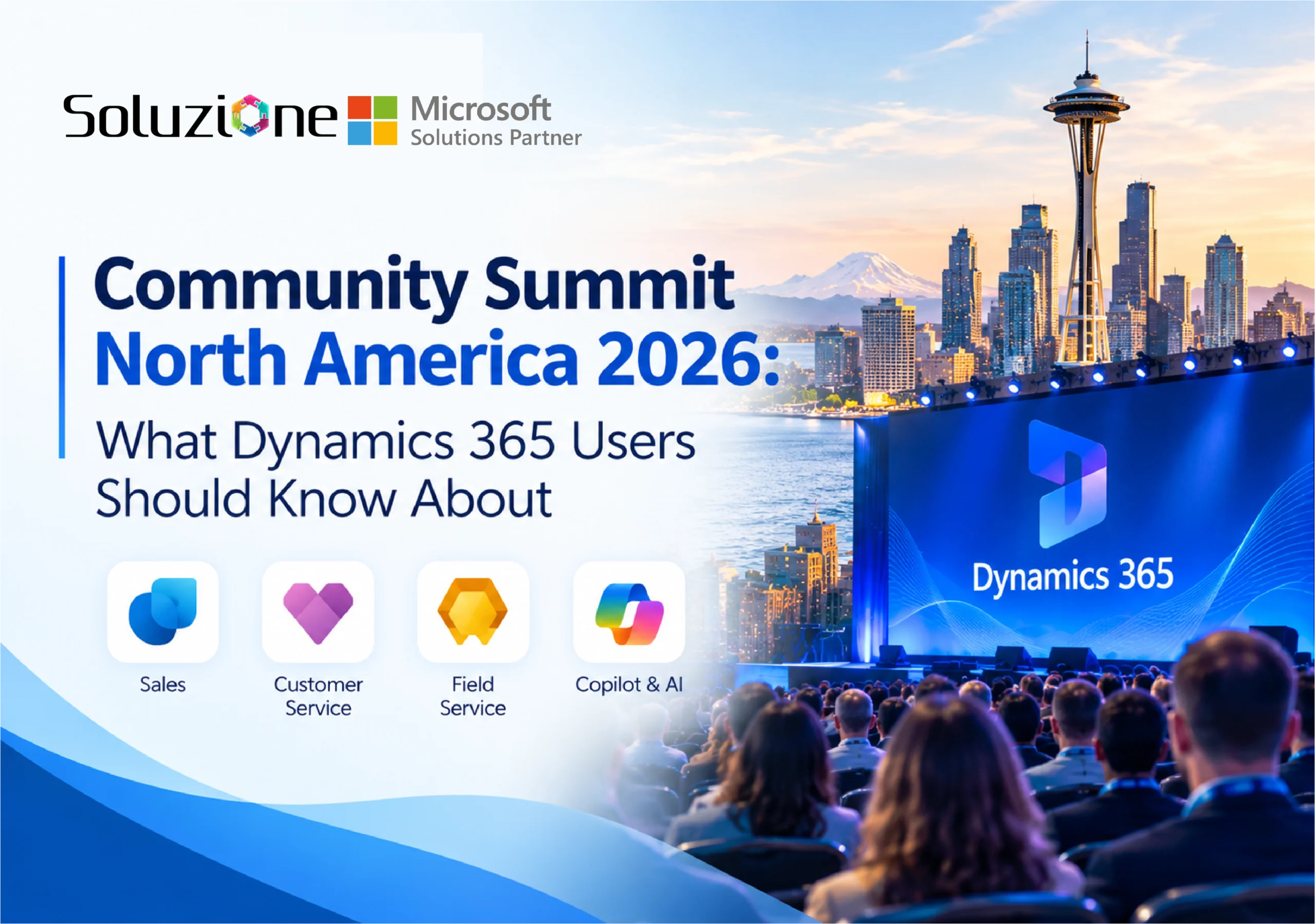
Community Summit North America 2026 is just around the corner. Taking place October 11–15 at the Gaylord Opryland Resort in Nashville, it remains the largest independent Microsoft AI and business applications event of the year — with 5,500+ attendees, 600+ education sessions, 30+ Academy classes, and more than 300 partners on the expo floor.
Whether you are already registered or still deciding, the right preparation can make a real difference. We have gathered the most useful insights and practical details from the community and official sources so you can find everything you need in one place.
Whether this is your first Summit or your tenth, a little preparation goes a long way. In this article, we have covered the key things you should know before you attend Community Summit North America.
11 Key Things to Know Before You Attend Microsoft Solutions’ Community Summit NA
1. Choose the Right Pass for Your Goals
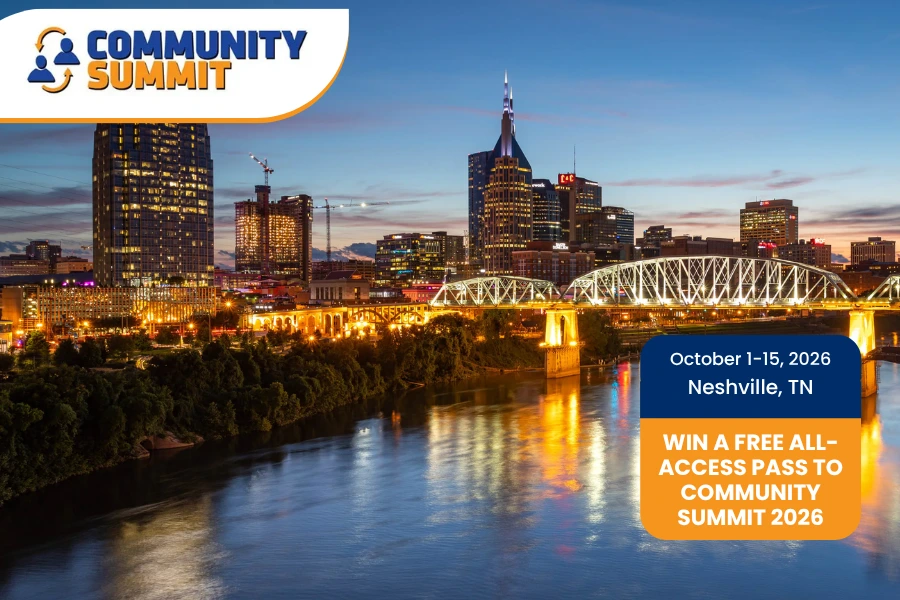
The All-Access Pass covers the main conference (October 12–15), education sessions, expo floor access, meals, receptions, and the Grand Ole Opry closing event. But do you know there is also Academy classroom training, a separate paid add-on, and it runs a few days earlier (October 9–11).
These intensive, often hands-on workshops are designed to help users learn, grow, and develop at different stages of their Microsoft journey and may offer CPE credits. There is also an Expo Hall & Meals Only option if your main focus is partner conversations. For any Academy questions that you have, reach out to [email protected].
2. Create Your Personalized Agenda Early
Once registered, create a Show Planner account (this is separate from your registration) to build your personalized schedule. Pre-select the sessions you don’t want to miss, especially product general sessions and Microsoft keynotes, which often include important roadmap updates. Sessions can fill up, so prioritizing early helps.
3. Download the Official Event App
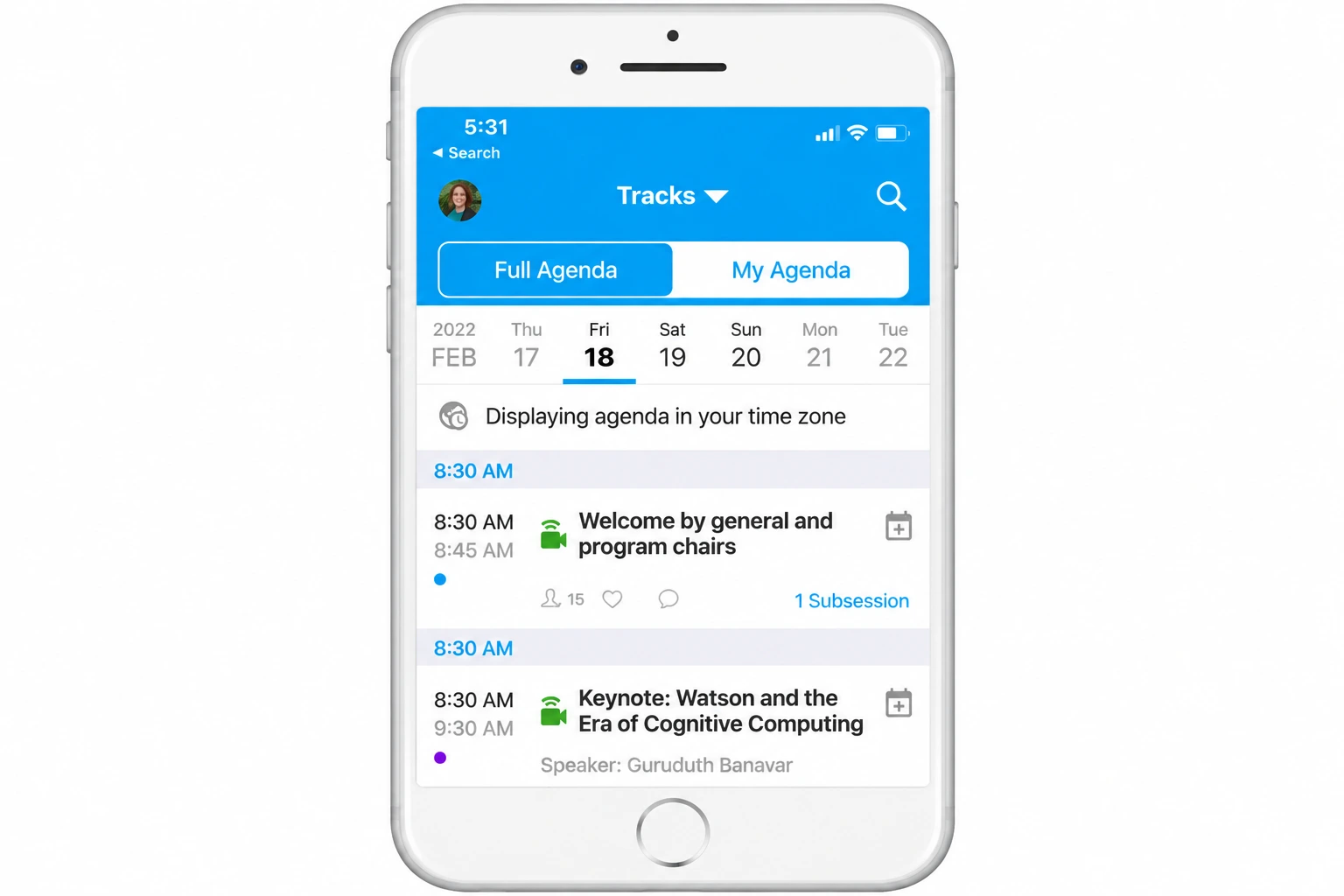
Community Summit uses the Whova app. It is essential for building your agenda, receiving real-time updates, navigating the large Gaylord Opryland property, and connecting with other attendees.
4. Know the Limited Expo Hours
Expo access is available only during these times:
- Monday, October 12: 6:00 PM – 8:00 PM (Opening Reception)
- Tuesday, October 13: 12:00 PM – 6:30 PM
- Wednesday, October 14: 12:00 PM – 5:00 PM
Plan your booth visits and partner meetings in advance.
5. Pre-Select Must-Visit Booths
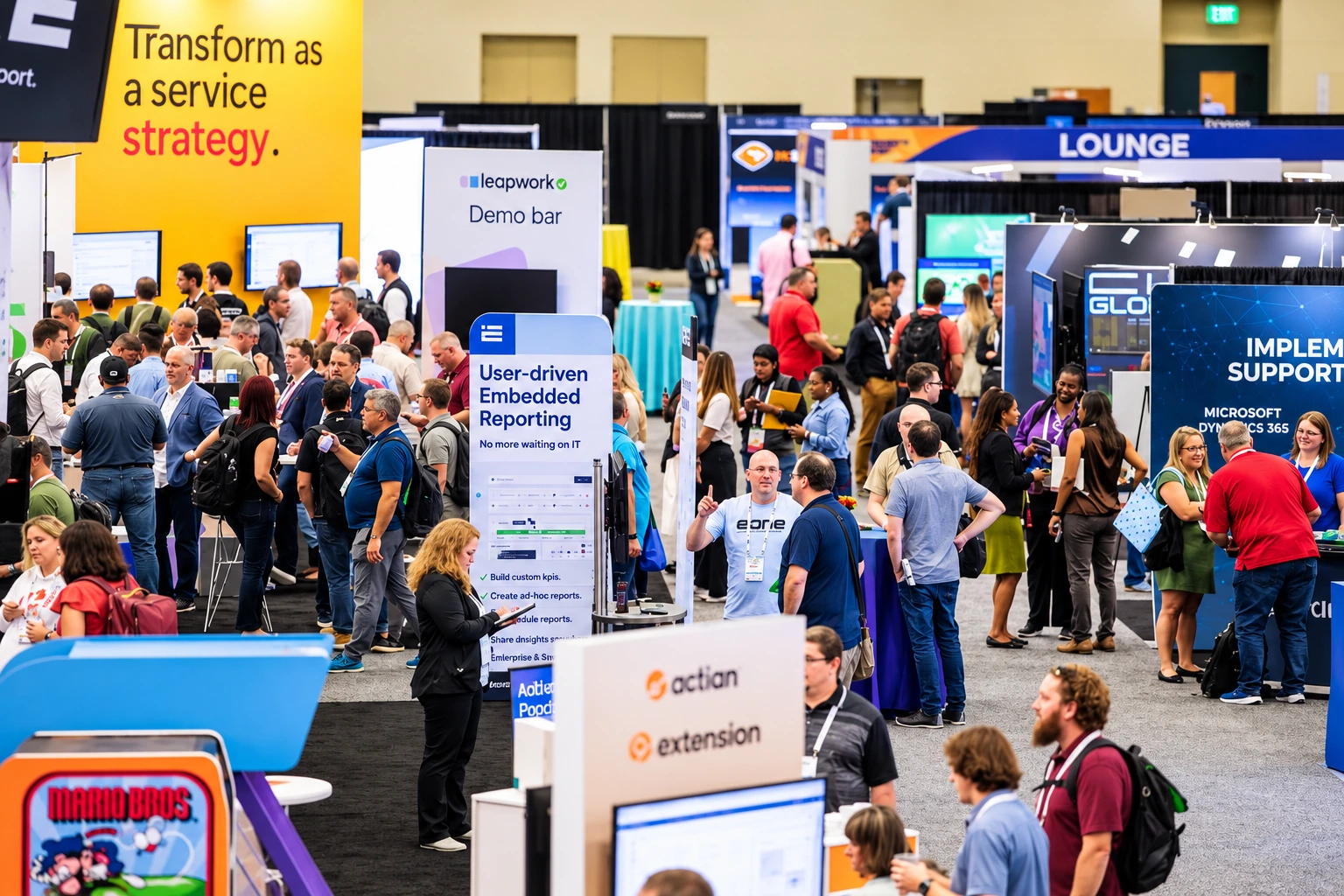
With more than 300 partners on the expo floor, having a short list in advance saves time. Here are five booths that consistently stand out for the depth of their Microsoft expertise and the practical conversations they offer:
- Vertex, Inc. (Booth 409): Strong in tax and compliance automation with deep Dynamics 365 integration.
- RSM US LLP (Booth 601): Helpful for organizations looking at broader Dynamics 365, Power Platform, Fabric, and AI strategy.
- Soluzione (Booth 2129): Focused on Dynamics 365 CRM, Power Platform, Copilot, and Business Central, with hands-on experience supporting midmarket teams.
- ArcherPoint by Cherry Bekaert (Booth 401): A solid choice for Business Central upgrades, migrations, and modernization.
- Avalara (Booth 841): Useful for companies dealing with tax compliance complexity inside Microsoft environments.
These Microsoft Solutions Partners cover a good mix of specialized and broad Microsoft solutions, making them practical stops depending on your current priorities.
Also Read: Community Summit North America 2026 Guide for Dynamics 365 Professionals
6. Join Summitland for Prizes
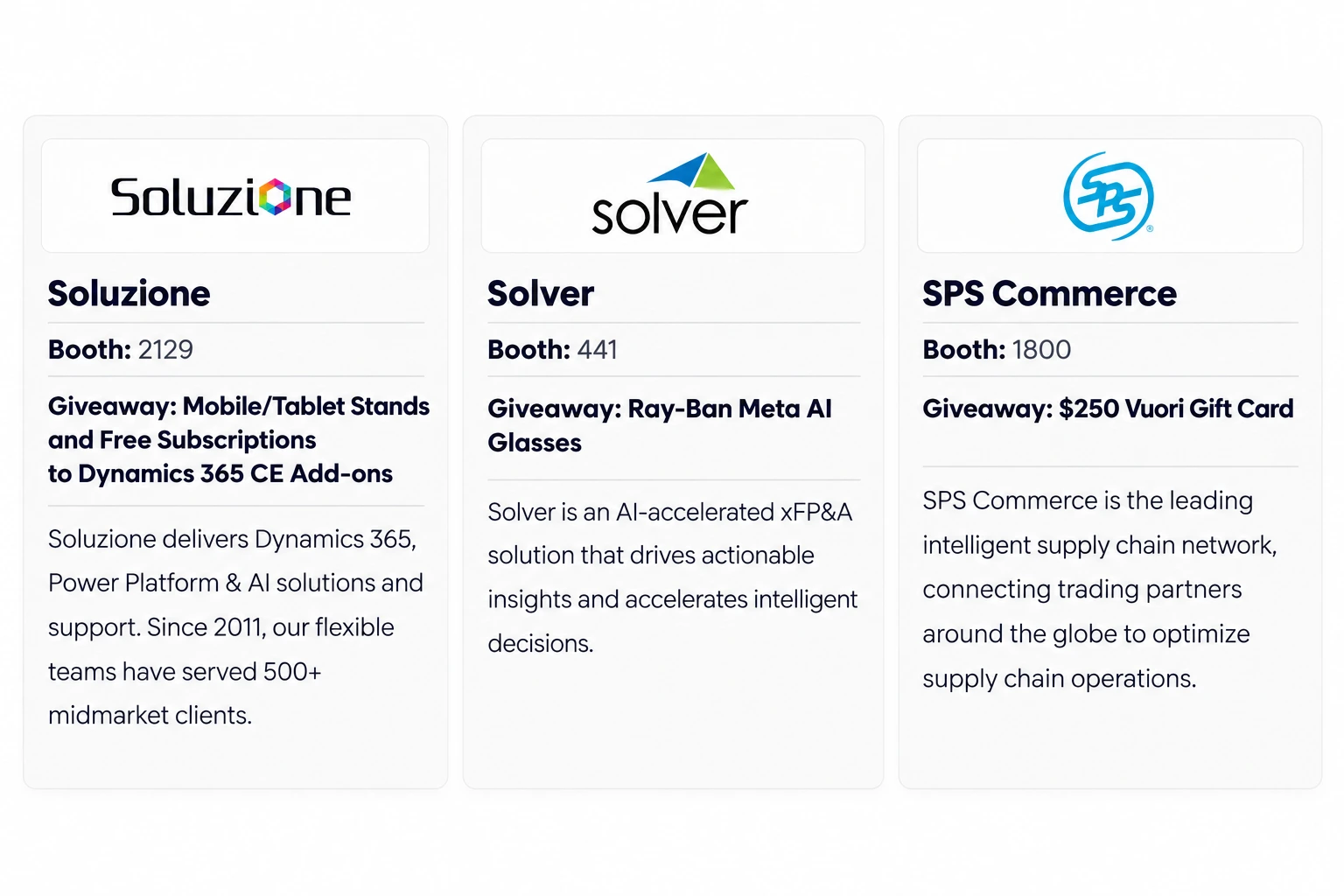
Many exhibitors are participating in Summitland. Visit their booths, get your badge scanned, and enter for a chance to win prizes throughout the expo. The more stops you complete, the higher your chances of winning.
Participating booths offer a range of giveaways. For example, some partners, such as Soluzione, are giving away items like mobile and tablet stands, a free Dynamics 365 add-on subscription for a year, and a free Dynamics 365 health checkup. While others are offering tech gadgets and gift cards. Full details and the complete list of Summitland participants are available on the official event website.
7. Take Advantage of Tech Medic Help Desks
One of the most valuable resources at Summit is the Tech Medic desks. Expert users and specialists provide free troubleshooting and advice on Dynamics 365, Power Platform, and related challenges. Come prepared with specific questions.
8. Explore Expo Hall Activities
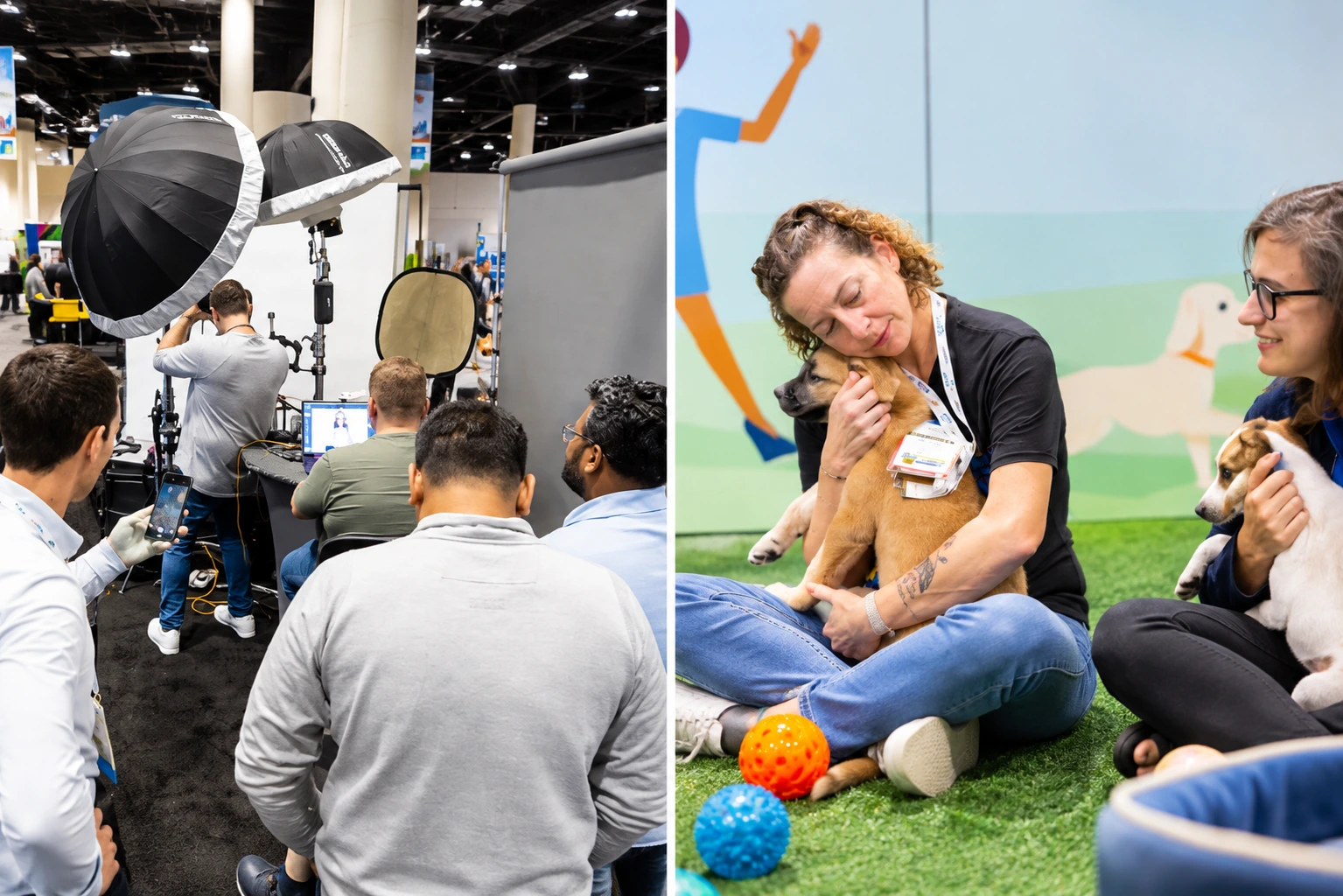
Beyond booth conversations, the expo floor offers several fun experiences, including:
- Arcade Games at Booth 367
- Axe throwing at booth 2013
- Golf Simulator at booth 1728
- Pickleball at booth 625
- Puppy Snuggles at booth 121
- Headshot at booth 1200
These are great ways to take a break and add to your agenda while staying engaged on the floor.
9. Don’t Miss Key Networking Opportunities
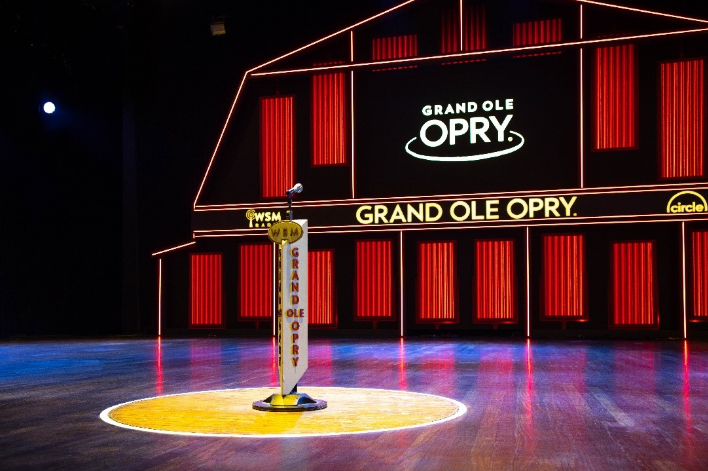
Beyond sessions and the expo floor, some of the most valuable connections at Community Summit happen in the evenings. Summit partners are hosting several after-hours events across Nashville designed to bring the community together in a more relaxed setting.
Here are the main partner events currently listed (in chronological order). Many require advance registration or are invitation-only, so check details and RSVP early if you want to attend:
Community Summit Partner & MVP Exchange
Invitation only (Microsoft, sponsors, partners, MVPs, and invited guests). Food, drinks & live entertainment.
Club F&SCM
After-hours gathering for the Finance & Supply Chain community.
Community Summit Charity Hockey Game
Charity game at the home of the Nashville Predators.
Music City Mixer
Drinks, conversation & networking.
“Ole Red Round Up” Summit After Party
Nashville-style after party with live music, food & drinks.
BC Bash Neon Cowboy
Line dancing, games, music & connection for the BC/NAV community.
PowerGP Online Party
Multi-floor celebration with live music, karaoke & rooftop views.
In addition to these partner events, don’t miss the official Opening Reception on the expo floor (Monday evening) and the Grand Ole Opry closing event on Wednesday night. First-time attendees should also look for the “New to Summit” orientation sessions organized by the product committees.
10. Plan for the Venue and Logistics
Gaylord Opryland is a large resort — comfortable walking shoes are essential. Main registration is at Delta Lobby BCD, with a satellite desk available at Tennessee Lobby A during busy periods. The resort offers a 50% self-parking discount for Summit attendees. Breakfast and lunch are included with the All-Access Pass on most days.
11. Come with Clear Goals
The volume of content and activity can feel overwhelming. Decide in advance whether your priority is learning new features, solving current system issues, evaluating partners, exploring AI and Copilot use cases, or building relationships. A clear focus will help you get significantly more value from the week.
Bottom Line
Community Summit North America 2026 offers a packed week of learning, partner conversations, and networking. The difference between a good experience and a great one usually comes down to preparation.
Choose the right pass, build your agenda early, shortlist the booths that matter most to you, and plan which evening events you want to attend. Comfortable shoes, the official app, and a clear focus will help you navigate the large venue and the volume of content without feeling overwhelmed.
Whether you are coming for new skills, practical solutions, or stronger industry connections, a little planning beforehand will help you get more value from every day in Nashville.
Also if you want to prebook your one to one session with Soluzione or you want to know why meeting Soluzione can be worth your visit then visit us here and book your slots.